AI Bible Search
Find any Bible verse, even if you only remember the gist.
Type the verse the way you remember it: a few words, a story, even a half-remembered line. AI Bible Search finds the exact passage and shows it word for word, so you can read it in context.
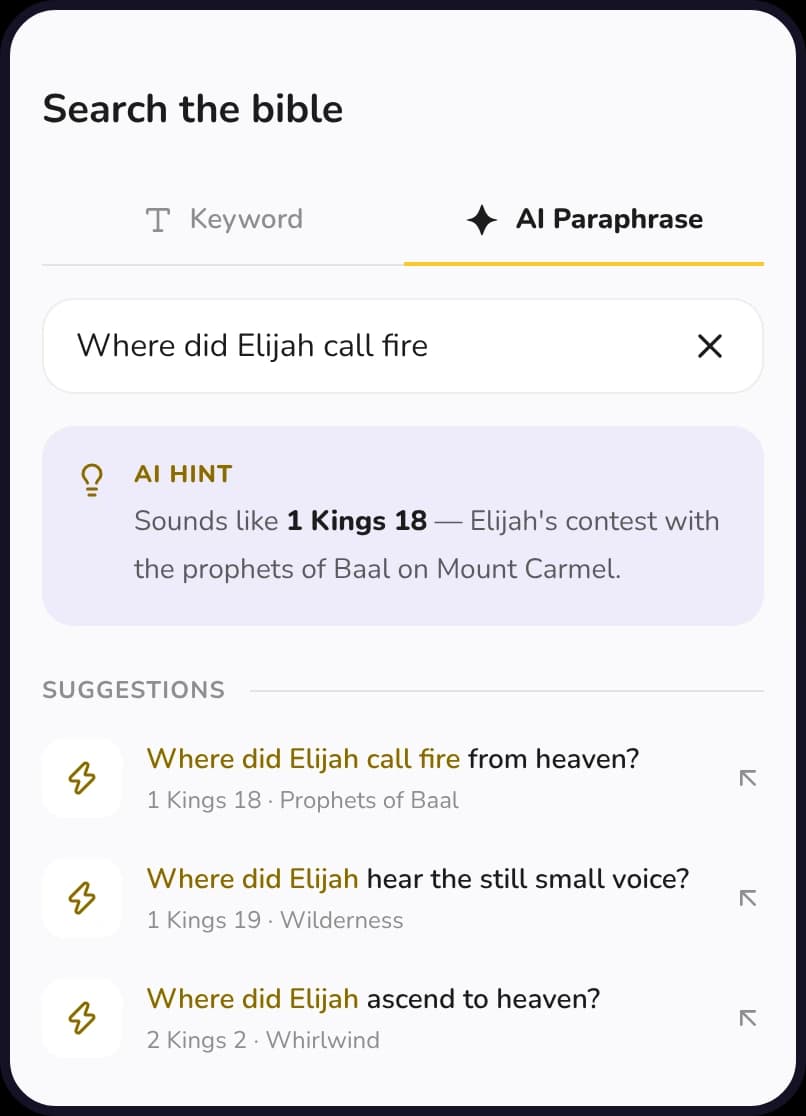
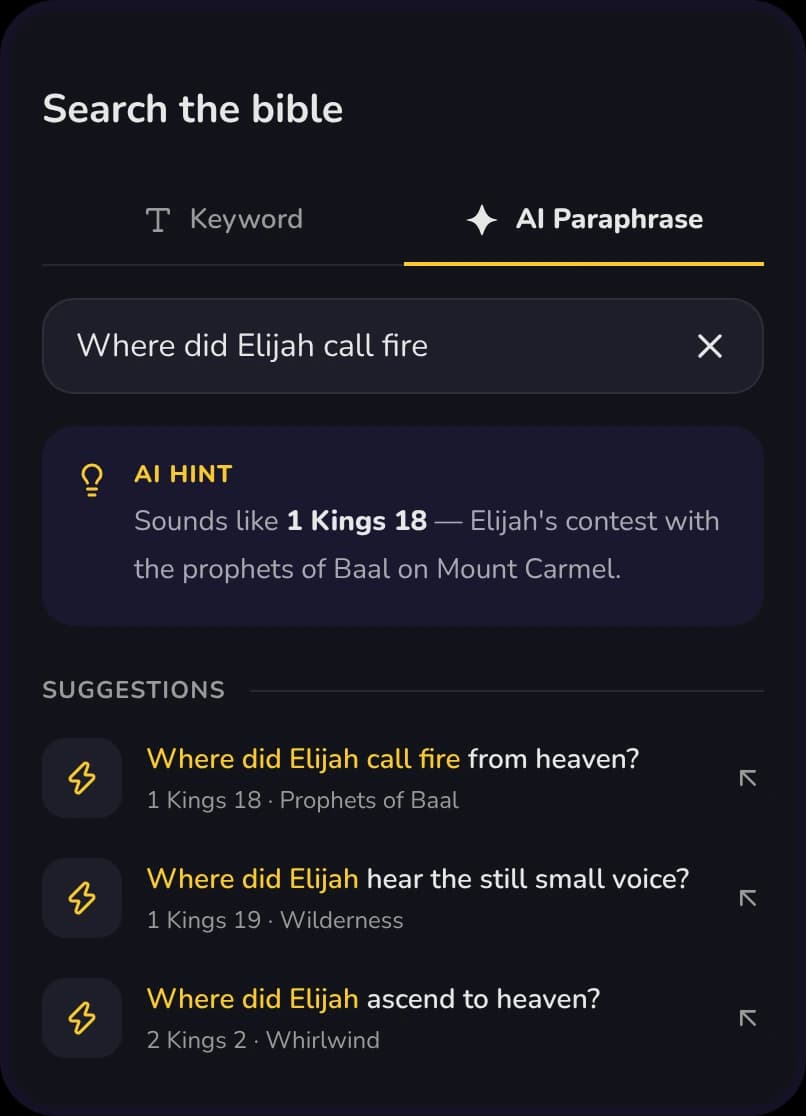
Search that understands you
- Describe it your way
- Exact verses, as written
- Keyword search too
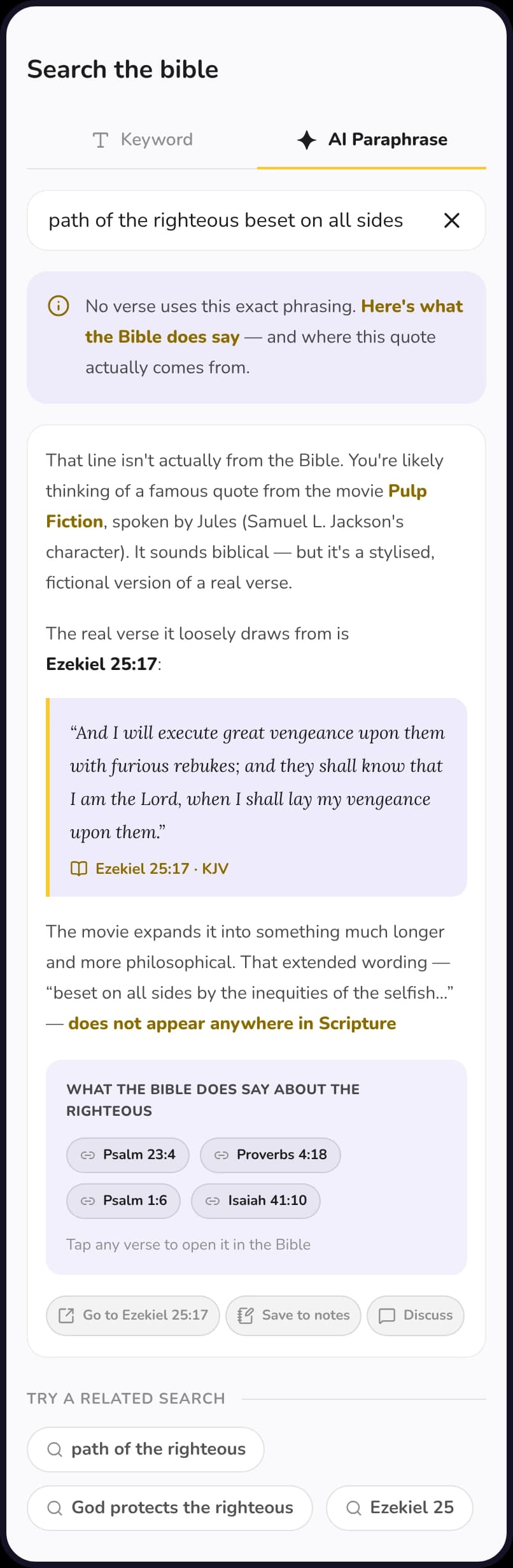
- Honest about misquotes
What it does
Search the Bible the way you actually remember it.
Two ways to search from one box: type exact words, or describe the verse and let the AI find it.
Search by paraphrase
Describe a verse in your own words and get the passage you meant.
A hint when it knows
Ask about a story and the AI points you to the passage, like 1 Kings 18 for Elijah and the fire.
Ranked by match
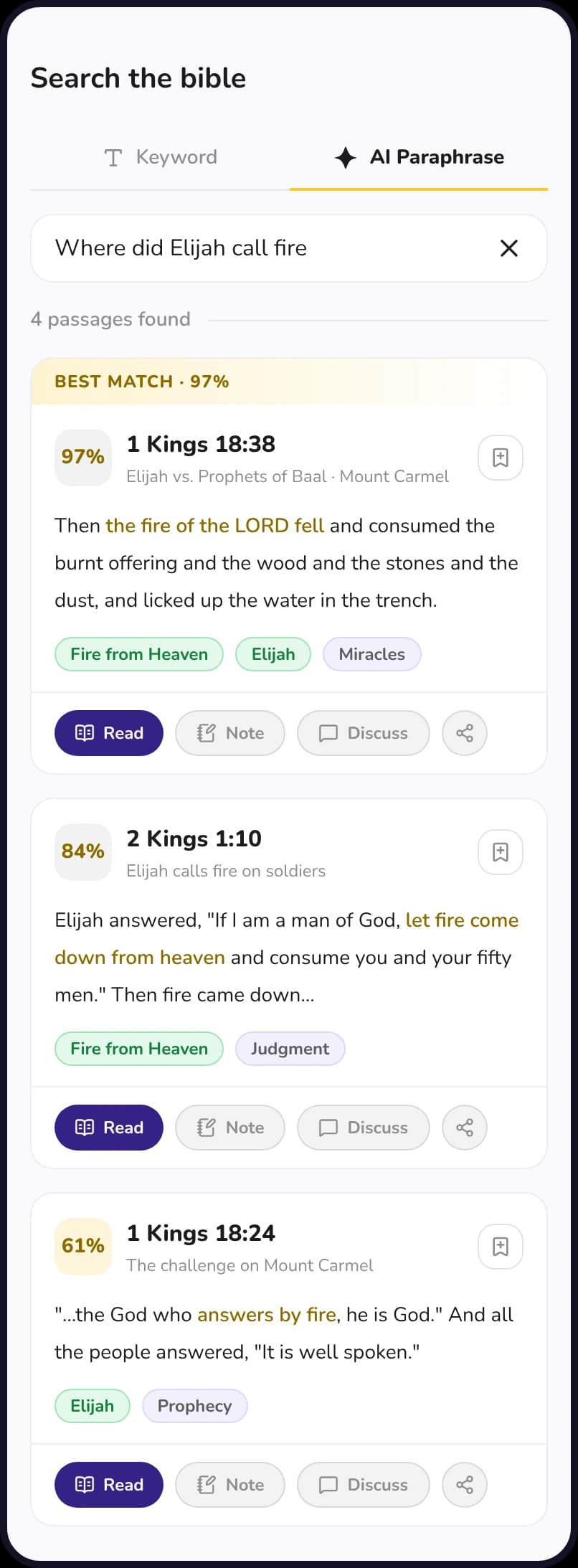
Every result shows how closely it matches, with the best match first.
Topics on every result
Tags like Elijah or Fire from Heaven help you tell similar passages apart.
Read, note or discuss
Open the passage, save a note on it, discuss it or share it, straight from the result.
Keyword search, too
Switch to Keyword for exact words, and use suggestions and related searches to keep going.
Ranked results
The right passage, first.
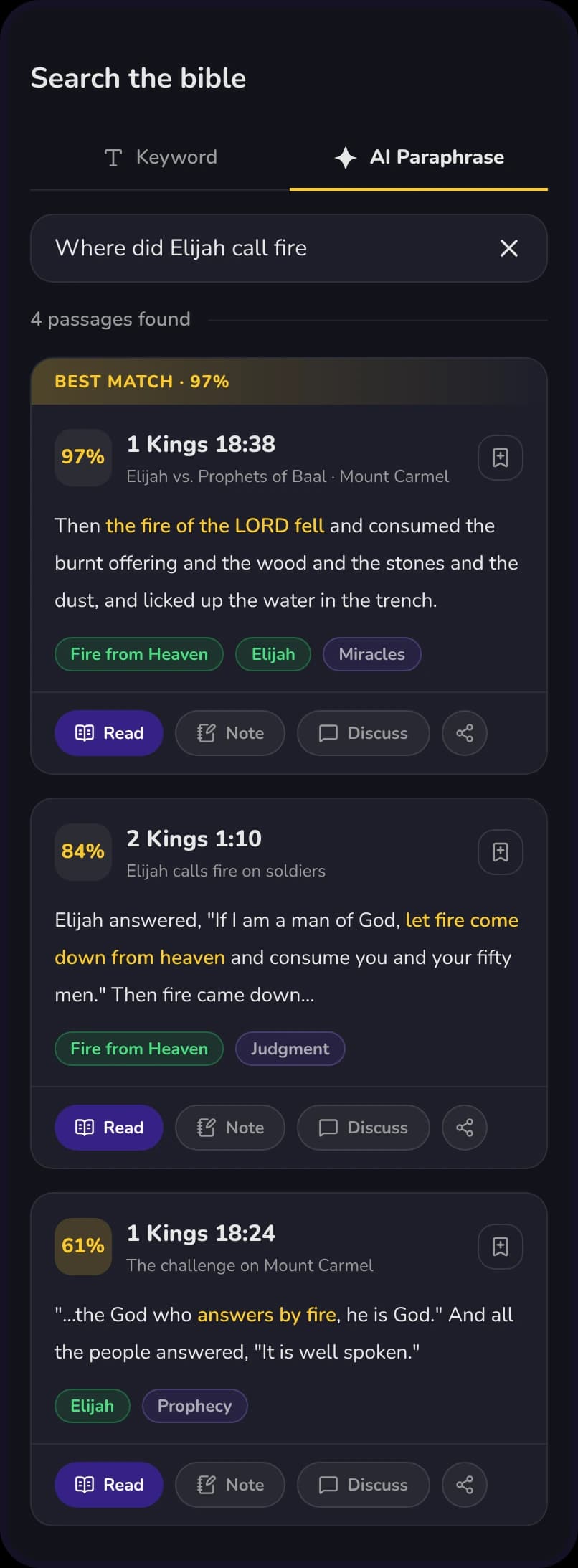
Search Where did Elijah call fire and the best match, 1 Kings 18:38, comes first, with the matching words highlighted and the verse shown as written. Close matches follow, each with a score so you know how sure the search is.
- Open any result in the Bible reader.
- Save a note on the verse in one tap.
- Try a related search when you want to keep digging.
Honest answers
When a line is not in the Bible, it says so.
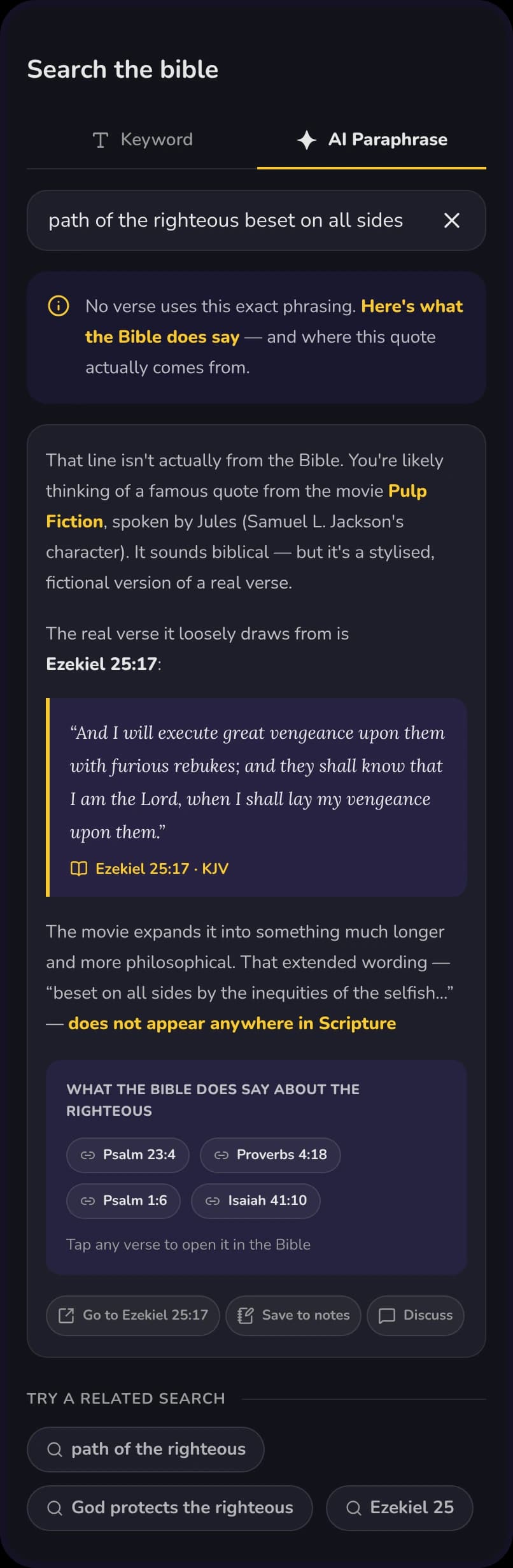
Plenty of well-known lines sound like Scripture and are not. Search for one and GracePad tells you no verse uses that exact phrasing, then shows what the Bible does say and where the quote really comes from.
- Verses are shown as written, never reworded.
- The closest real passages, with their references.
- Tap any verse to open it in your Bible.
Questions people ask first
- Do I need to type the exact words?
- No. Describe the verse the way you remember it, in your own words, and AI Paraphrase finds the passage. If you do know the exact words, use the Keyword tab.
- Does it show the exact verse?
- Yes. Results show the passage as written, never reworded, and open in your Bible so you can read the full context.
- What if what I remember is not in the Bible?
- GracePad tells you when no verse uses that phrasing, shows the closest real passages and, when it can, where the quote actually comes from.
- How does this relate to Grace AI?
- AI Bible Search is one of the ways GracePad uses AI to help you study. Grace AI also explains passages, summarizes your notes and shapes reading plans.
Find the verse on the tip of your tongue.
Download GracePad and search the Bible the way you remember it.